
When an interviewer asks you to send a deck, a file, or a few work samples after the meeting, that is a good sign. It usually means they can picture you doing the work and they are looking for proof of how you think, communicate, and execute.
The tricky part is that most real work contains confidential details. In my recruiting years, I saw strong candidates accidentally overshare client info, internal metrics, or proprietary processes. The goal is to make it easy for them to review your work while protecting your current or past employers and yourself.

This guide walks you through exactly what to attach, what to redact, how to name and format files, and how to write a short delivery note that does not repeat your full pitch.
Before you hit send: confirm what they asked for
Right after the interview, capture the request while it is fresh. Ideally, you will send exactly what they asked for, in the format they can open, by the deadline they mentioned.
Quick checklist
- What format? PDF, PowerPoint, Google Doc link, GitHub repo, writing sample as a doc, etc.
- How many samples? One strong example is often better than five average ones.
- Any focus areas? For example, “something cross functional,” “a client deck,” “a technical spec,” or “a patient education handout.”
- Where to send it? One person, the whole panel, or the recruiter.
- When? Same day, within 24 hours, or “by Friday.”
If the request was vague, a one line clarifying email is okay. Keep it simple: “Quick confirm, would you prefer a PDF or a link to a view-only folder?”
What to attach (and what not to)
The safest approach is to send a clean, easy-to-open version that matches their request and does not require special software or permissions.
Best attachment types
- PDF for decks, writing samples, one-pagers, and reports. PDFs preserve formatting and reduce accidental editing.
- PPTX only if they requested an editable deck or you are interviewing for a role where slide craftsmanship is the point. If you send PPTX, consider also including a PDF version.
- DOCX for roles where tracked changes and writing workflow matter. Otherwise, PDF is cleaner.
- Spreadsheet exports as PDF or CSV when possible. If formulas matter, provide an XLSX plus a PDF view.
When a link is better than an attachment
- If the file is large (video, high-res design work).
- If you are sharing multiple items.
- If you need view-only access or want to prevent downloads.
If you share a link, use a view-only permission setting and test it in an incognito browser window before sending.
What not to send
- Anything proprietary that belongs to an employer or client and is not already public.
- Internal dashboards with real customer, patient, student, or employee data.
- Files that reveal passwords, API keys, or system access details.
- Messy working drafts unless they specifically asked to see your process drafts.
Redaction: what to remove and how to do it safely
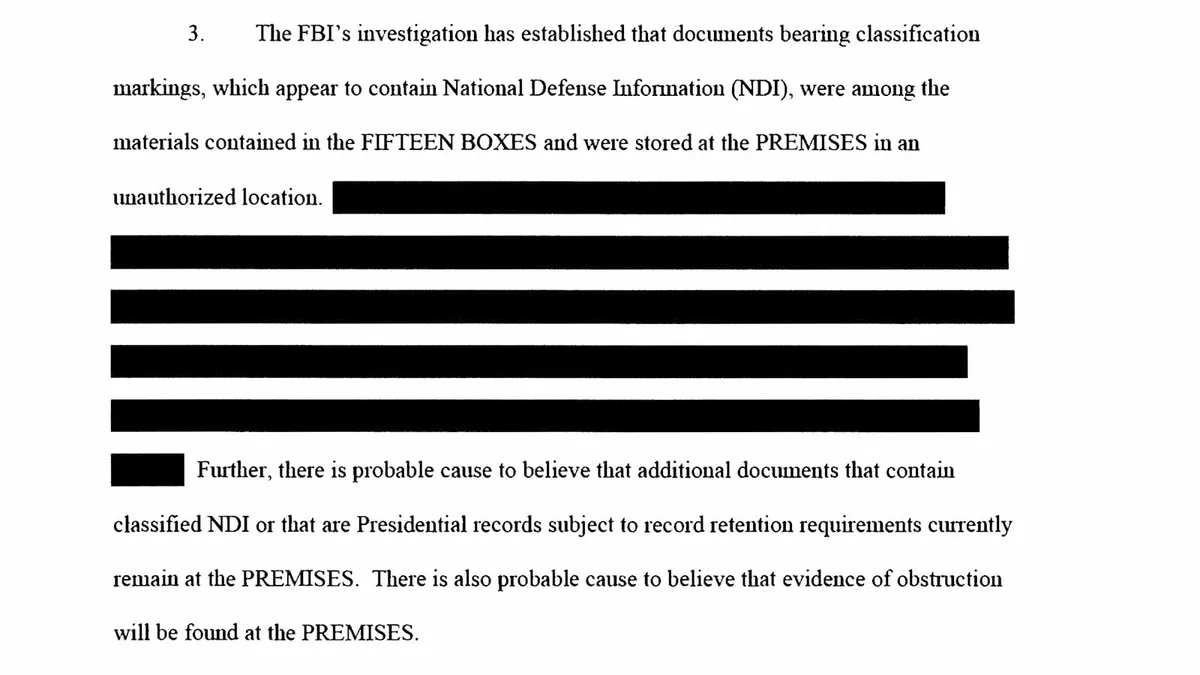
Redaction is not just about blacking out a few lines. You want to remove identifying details while keeping the work readable and credible.
What to redact (most common)
- Client names and logos (unless the work is public or you have permission).
- Employee names, emails, phone numbers, Slack handles.
- Patient or student information of any kind.
- Non-public financials such as revenue, margins, pricing, or contract amounts.
- Internal tools and systems that reveal security or workflow specifics.
- Vendor contracts, legal language, proprietary process documentation.
Replace, do not just remove
When you redact, consider substituting with neutral labels so the reviewer can follow the story:
- Replace “Acme Hospital” with “Regional hospital system.”
- Replace “$2.4M ARR” with “mid seven-figure ARR.”
- Replace “Client X in Phoenix” with “Client X (Southwest).”
Use real redaction methods
If you export to PDF, make sure your redactions cannot be undone by copying and pasting. The safest approach for most candidates is:
- Remove sensitive details in the source file first.
- Export a fresh PDF.
- Open the PDF and try to select and copy the redacted areas to confirm nothing is hiding underneath.
If you are unsure, do not risk it. It is always acceptable to say, “I redacted client identifiers and internal metrics to protect confidentiality.”
File naming that looks professional
Recruiters and hiring managers save a lot of attachments. A clean filename prevents your work from getting lost.
Use this formula
FirstLast_Role_WorkSample_Type_Date
- MayaCaldwell_ProductManager_WorkSample_StrategyDeck_2026-11.pdf
- MayaCaldwell_NurseEducator_WorkSample_PatientHandout_2026-11.pdf
- MayaCaldwell_DataAnalyst_WorkSample_SQLCaseStudy_2026-11.pdf
Keep names under about 50 characters when you can, and avoid special characters that can break in some systems.
The email: short and clear
This is not the moment to re-pitch your entire candidacy. They already met you. Your job here is to deliver what they requested, give minimal context, and make it easy to review.
Subject lines that work
- Work samples requested, Maya Caldwell
- Requested deck and writing sample, Maya Caldwell
- Follow-up materials, Maya Caldwell
A simple structure
- One line of context: you are sending what they requested.
- Bullet list of what is attached or linked.
- One sentence about redactions, if relevant.
- Offer to resend in another format.
Email examples you can copy
Example 1: One attachment (deck)
Subject: Requested deck, Maya Caldwell
Hi Jordan,
Thank you again for your time today. As requested, I am sharing the slide deck we discussed:
- MayaCaldwell_WorkSample_StrategyDeck_2026-11.pdf
I redacted client identifiers and internal metrics while keeping the structure and approach intact. If you would like an editable version or a different sample focused on cross-functional alignment, I am happy to send it.
Best,
Maya Caldwell
555-012-3456 | linkedin.com/in/mayacaldwell
Example 2: Multiple samples with a link
Subject: Work samples requested, Maya Caldwell
Hi Jordan,
Sharing the work samples you requested from our conversation. View-only folder link:
drive.google.com/drive/folders/maya-caldwell-work-samples-view-only
- Project plan (PDF)
- Executive update email (PDF)
- Process doc excerpt (PDF)
I removed names, company identifiers, and non-public performance data. If access gives you any trouble, tell me what format you prefer and I will resend.
Best,
Maya Caldwell
555-012-3456 | linkedin.com/in/mayacaldwell
Example 3: Technical sample (GitHub or code)
Subject: Requested code sample, Maya Caldwell
Hi Jordan,
As requested, here is the code sample we discussed:
- GitHub repo link: github.com/mayacaldwell/work-sample-repo
- Short walkthrough: github.com/mayacaldwell/work-sample-repo#readme
This version uses synthetic data and excludes any proprietary dependencies. If you would like me to adapt the sample to your stack or walk through it live, I am happy to.
Best,
Maya Caldwell
555-012-3456 | linkedin.com/in/mayacaldwell
Make it easy to review fast
Hiring teams are busy. Your samples should be skimmable and self-explanatory.
Add a brief cover page (optional)
If appropriate, include a simple first slide or first page with:
- Context: what the project was and your role.
- Goal: what you were trying to achieve.
- Constraints: timeline, resources, compliance needs.
- Result: one or two outcome bullets (high level if you must redact specifics).
Keep it factual. This is not a second interview in disguise.

Common mistakes to avoid
- Sending too much. If they asked for one deck, do not attach five. Curate.
- Breaking confidentiality. If you are unsure whether something is safe to share, redact or choose a different sample.
- Forgetting accessibility. PDFs should be readable, not tiny screenshots. Use legible fonts and clean contrast.
- Assuming links work. Always test permissions from a logged-out browser.
- Using a long pitch email. Deliver the files. Save persuasion for later conversations.
- Missing the deadline. If they asked for it “tomorrow,” send it today if possible.
FAQ
Should I send work samples the same day as the interview?
If you can, yes. Same day or within 24 hours keeps momentum. If you need time to redact or clean up the file, it is better to send a polished sample a day later than a risky or messy one immediately.
What if I cannot share anything because of an NDA?
You usually still have options: create a sanitized version, use publicly available work, or build a new sample with synthetic data that demonstrates the same skills. Be upfront: “I am happy to share examples, but I cannot provide proprietary client materials.”
Is it better to attach a file or send a link?
Attachments are simplest for one or two small files. Links are better for multiple items, large files, or when you want view-only access. Either is fine as long as it is easy to open.
Do I need to explain the work in detail?
No. Give just enough context for them to interpret what they are seeing and what your role was. Two to four bullets is usually plenty.
A final note from me
If you take nothing else from this, remember: the best post-interview work sample email is boring in the best way. Clear subject line, clean filenames, the exact deliverable requested, and confident confidentiality boundaries. That combination reads as both competent and trustworthy, which is exactly what most hiring teams are trying to confirm at this stage.