A crisp fold and a fresh perspective.
When you apply for a job, your resume is not the only thing that can get a second look. Many employers also glance at public social media profiles to get a feel for professionalism, communication style, and potential risks. That can sound intimidating, but it is also something you can prepare for calmly and ethically.
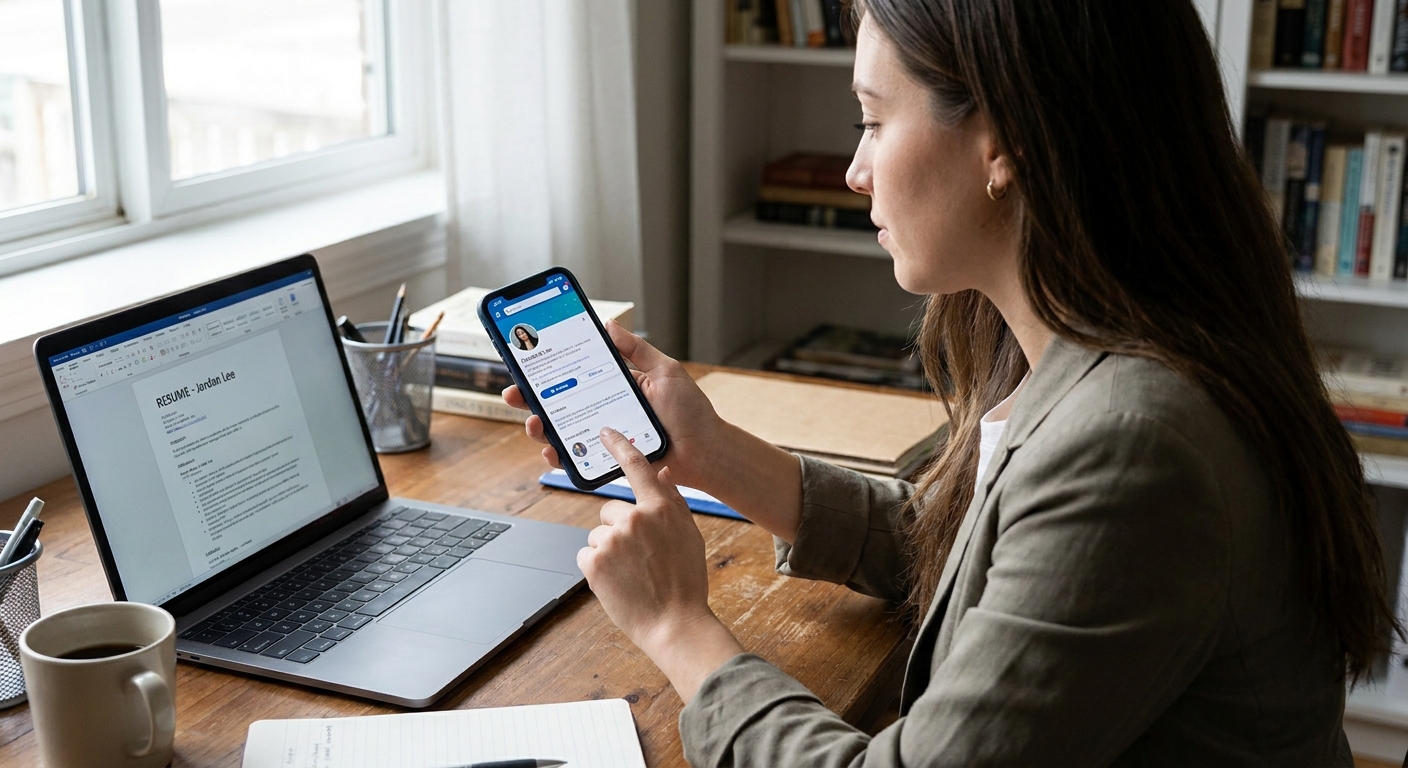
Why employers look at social media
Employers check social media for a few common reasons:
- Professionalism signals, like how you communicate in public and whether your online presence aligns with a role that involves customers, students, clients, or public trust.
- Role-related context, especially in public-facing jobs, communications, sales, or brand work where online behavior can reflect on the organization.
- Risk reduction, such as looking for credible signs of harassment, threats, hate speech, or repeated aggressive conduct.
- Verification clues, like confirming that a portfolio, speaking event, or published work is actually yours.
Often it is not a deep investigation. In many cases it is a quick scan. That quick scan can still shape impressions, so it helps to know what can show up and what should not factor into a hiring decision.
What they can see without a password
In many social media checks, an employer is largely limited to what they can view through normal access: what is public, what is visible to them through their own account (for example, mutual connections or membership in the same spaces), and what you choose to share. What is visible can vary by platform, privacy settings, and whether a third party is doing a more structured scan of the wider web.
Often visible
- Profile basics (name, username, profile photo, bio, location, and links), depending on your settings.
- Posts and captions that you have set to public.
- Comments you leave publicly on public posts, public pages, and in public groups or forums.
- Likes and reactions, depending on the platform. For example, some platforms show your reactions on public posts or display activity to others, while others keep that private by default.
- Tagged photos and mentions if the tag is public and your tag settings allow it.
- Shared content you repost, quote-post, stitch, duet, or otherwise amplify publicly.
- Connected handles across platforms, especially if your bio links to other accounts or your username is consistent.
Often not visible
- Private posts restricted to friends, followers, or a custom audience.
- Direct messages and private group chats.
- Content behind login walls if it is not public and the employer does not have authorized access.
- Story viewer lists and other account analytics.
Two practical caveats: even private accounts can expose limited metadata (like a profile photo, display name, follower counts, or recent bio text), and private content can still travel if someone screenshots or reposts it. A helpful rule of thumb is still this: if a stranger can see it without you approving them, an employer can probably see it too.
Social checks vs. background checks
This is where a lot of confusion happens. A background check typically refers to information from records or verification sources, such as employment verification, education verification, and sometimes criminal history checks. A social media check is a review of publicly available online activity and profiles.
How they differ
- Source: Background checks often rely on records and verification sources. Social checks rely on what you and others post online and what is accessible to the reviewer.
- Structure: Background checks are often standardized reports. Social checks can be informal (a recruiter browsing) or more structured if a third party is involved.
- Timing: Social reviews can happen early, even before an interview. Background checks often happen later, frequently after a conditional offer, but some employers run parts of them earlier with proper notice and consent.
- Relevance: Background checks focus on defined categories of information. Social checks can drift into subjective impressions unless the employer has clear guidelines.
One more important point for U.S. readers: if an employer uses a third-party company to gather information about you for hiring, it may fall under the Fair Credit Reporting Act (FCRA) when the company is acting as a Consumer Reporting Agency. That can mean written disclosure and authorization, plus specific steps if the employer plans to take adverse action based on the report. Rules vary widely by country and even by state, so if you are unsure, it is reasonable to ask what screenings are part of the hiring process.
Common red flags
Different employers care about different things, but these are common categories that create concern:
- Harassment, bullying, or threats, including repeated hostile exchanges.
- Hate speech or demeaning content targeting protected groups.
- Sharing confidential information, like workplace screenshots, customer data, or non-public company details.
- Highly unprofessional conduct tied to your workplace identity, such as public posts that name your employer or role in a way that suggests you are speaking on behalf of the organization (when you are not) or that undermines trust.
- Misrepresentation, like claiming credentials, titles, or work you do not have.
Also remember that social media can surface sensitive personal information. Ethical hiring teams try to avoid making decisions based on protected characteristics, but a public profile can reveal age, religion, disability, family status, or political views. Keeping non-essential personal details private can be a practical choice.
What employers should avoid
Job seekers are not the only ones with responsibilities here. These practices are widely viewed as inappropriate, and in some places may be unlawful:
- Using protected characteristics in hiring decisions, even if those details were easy to spot on a public profile.
- Requesting access to private messages or pressuring you to log in so someone can watch you navigate private content.
- Relying on unverified screenshots without context, especially when identity mix-ups are possible.
- Ignoring identity errors, such as confusing you with someone with the same name or a parody account.
If you are worried about name confusion, it can help to keep at least one professional profile clearly labeled with a current role, location (if you are comfortable), and a link that matches your resume or portfolio.
Privacy steps before you apply
Think of this as a quick tune-up, not a reinvention. You are aiming for accuracy, boundaries, and fewer surprises.
1) Audit what is visible
Open a private browsing window and search your name, common usernames, and any nicknames you use professionally. Check what appears in images, old bios, and public comments. If you have a portfolio, make sure the link is correct and the content is current.
2) Tighten settings on personal accounts
- Set personal accounts to private if you want clearer boundaries.
- Review who can tag you and whether tagged posts appear automatically on your profile.
- Limit who can comment or reply, especially on platforms where arguments surface easily.
- Adjust visibility for older posts where that is available.
3) Clean up the easy stuff
This is less about scrubbing your personality and more about removing obvious friction:
- Update outdated bios that conflict with your current job search.
- Unpin posts that are needlessly polarizing for your target industry, if you pinned them for a moment that has passed.
- Remove accidental personal data sharing, like your address, personal phone number, or sensitive documents.
4) Be careful if there is a legal issue
If you are dealing with a pending investigation, a legal dispute, or anything that could reasonably become one, avoid making impulsive deletions or edits in response to fear. If you are concerned about what to do, get advice from a qualified professional for your situation.
5) Separate personal and professional
If you want an online presence that supports your career, consider keeping one professional-facing account and one personal account, each with clear privacy settings. Avoid linking them together if you want that separation to hold.
6) Polish your professional links
Make sure any professional profiles you want employers to find (LinkedIn, a personal site, GitHub, Behance, Google Scholar, or similar) are current, consistent with your resume, and have working contact links.
If someone asks for your password
In many places, requesting social media passwords is restricted or prohibited by law, but rules vary by jurisdiction and the details matter. Password requests are different from a request to connect or follow you, and different again from pressure to show private content while logged in.
If someone asks:
- Pause and ask for clarification: “Can you share what information you need and why?”
- Offer alternatives: “I’m happy to share my public portfolio or professional profiles.”
- Know you can say no, especially to password requests or requests to access private messages.
If you are unsure what is legal where you live, check local labor guidance or speak with an employment attorney.
How to talk about it
If social media comes up in an interview, you do not need a perfect answer. You need a clear one:
- Keep it simple: “I keep my personal accounts private and use my professional accounts to share my work.”
- Emphasize boundaries: “I’m careful about confidentiality and privacy.”
- Connect to the role: “I use online spaces to learn, follow industry news, and share projects when appropriate.”
Quick checklist
- Search your name and usernames in a private browser window.
- Review what is visible on your main platforms.
- Check tagged photos and mention settings.
- Remove accidental personal data sharing.
- Confirm professional links match your resume and point where you want them to go.
FAQ
Can employers see my private social media?
Usually, they can only see what is public, what is visible to them through normal platform access, or what they have legitimate permission to view. Private posts and direct messages are not publicly visible, but limited profile details may still show. Also, private content can still be shared by other people, so use privacy settings as boundaries, not as a guarantee.
Can an employer reject me because of what they saw online?
They can make hiring decisions based on many factors, and online impressions can influence them. Employment laws vary by location, and decisions should not be based on protected characteristics. If you believe you were treated unfairly or unlawfully, consider seeking local legal guidance.
How far back do employers look?
Often not far. Many reviews are quick and focused on what is easiest to find: profiles, recent posts, and anything pinned or frequently shared. Older content can still surface if it is public, searchable, or resurfaces through reposts.
Should I delete my accounts during a job search?
You can deactivate accounts for personal reasons, but you do not have to disappear to be employable. A better first step is adjusting privacy settings and making sure your public-facing online presence matches the image you want to project.