
One-way video interviews can feel a little surreal. You are answering prompts on camera, but nobody is on the other side nodding along, smiling, or asking follow-up questions. In recruiting, I used these recordings to quickly confirm communication skills, professionalism, and role fit, especially for telecommuting roles and high-volume healthcare hiring. The good news is that the format is predictable, which means you can prepare for it.
This guide sticks to what makes a one-way interview different: time limits, retakes, camera presence, and how to deliver a clear answer without feedback.

What it is (and why it feels awkward)
A one-way video interview is a recorded interview completed on your own. The employer sends you a link to a platform that shows questions or prompts. You record your responses within set rules, then submit. A recruiter or hiring team watches later.
What makes it feel different is the missing human feedback loop. In a live interview, you can adjust based on someone’s facial expression or follow-up questions. In a one-way interview, you have to pace yourself and land your point without any cues.
Common rules you will see
- Prep time: often a short window, such as 10 to 60 seconds, to read the prompt before recording starts.
- Answer time limit: many prompts are in the 60 to 180 second range, but some roles and platforms go shorter or longer.
- Retakes: sometimes unlimited, sometimes limited, sometimes none at all.
- Question format: text on screen, audio prompt, or both.
- Device requirements: webcam and mic required, sometimes mobile-friendly.
Before you click the link: do these 5 checks
Most one-way interview problems are preventable if you treat the link like a timed test: set up first, then record.
1) Confirm the deadline and time zone
Some platforms lock you out at the deadline. Check the invitation email and the platform itself for the time zone. If it is not clear, do not guess. Submit earlier than the earliest plausible deadline, and email the contact to confirm the cutoff time.
2) Figure out the retake rules
Look for language like:
- “You may re-record once per question”
- “You may practice but cannot re-record after submission”
- “No retakes”
If you do not see it clearly, it is safest to assume retakes are limited.
3) Use the strongest device you have
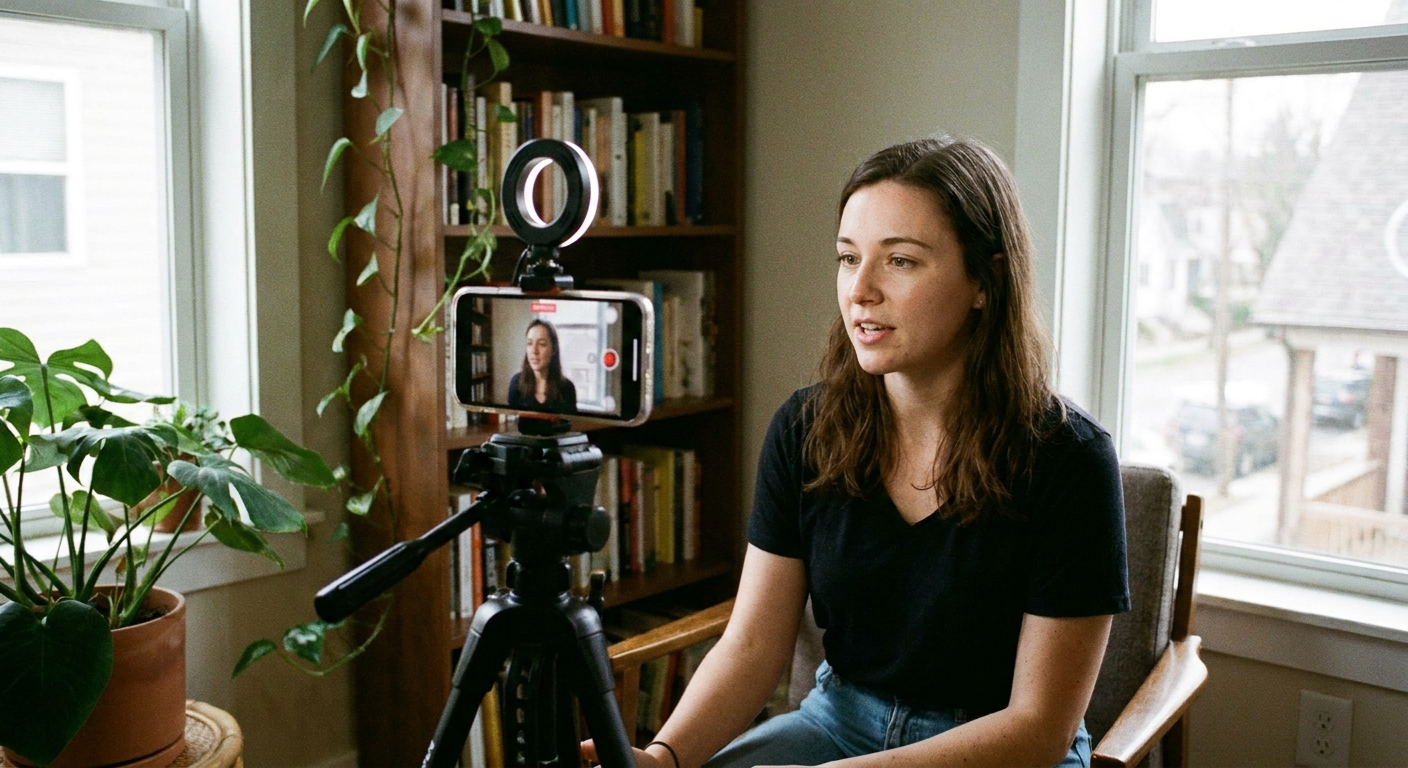
A laptop with a stable internet connection usually beats a phone balanced on a book. If you must use a phone, set it on a solid surface at eye level and turn on Do Not Disturb.
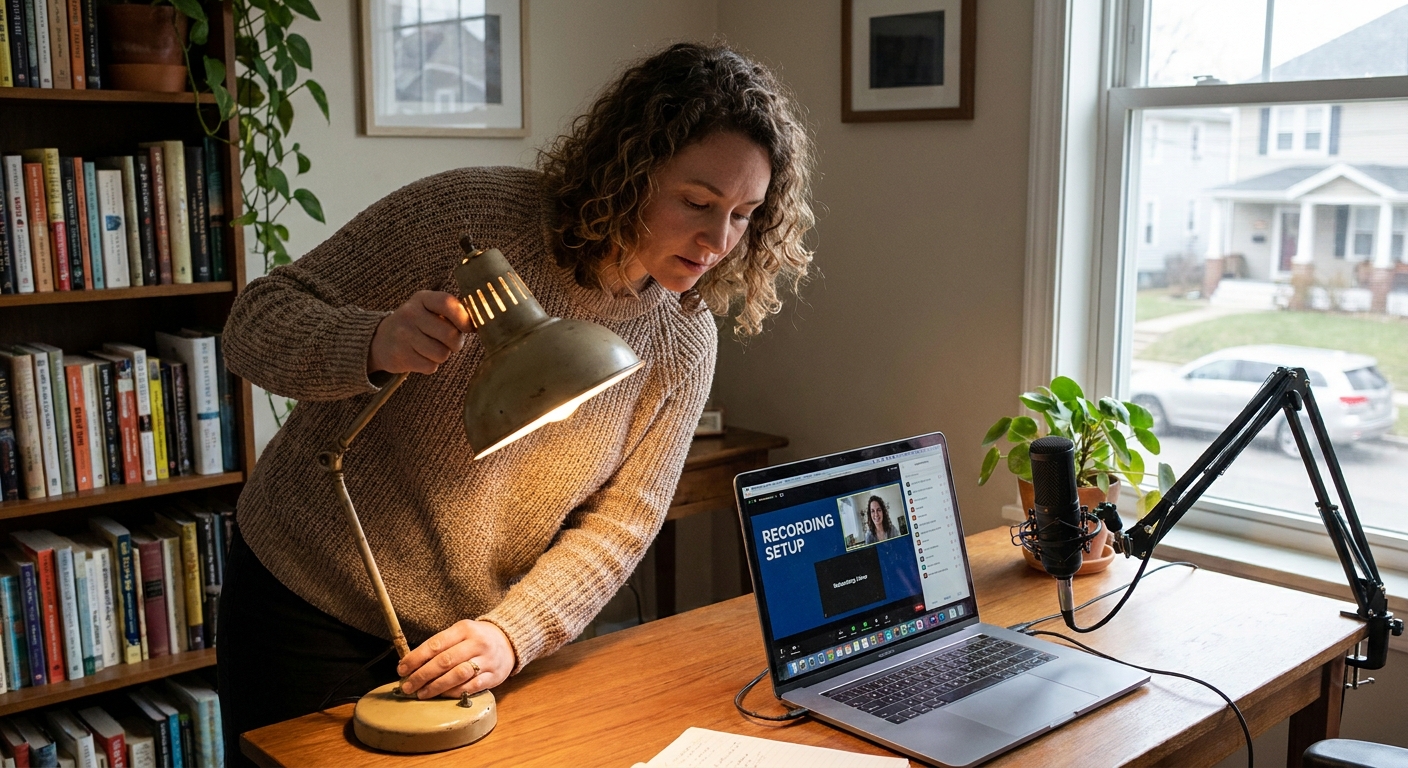
4) Pick a quiet room and control your light
- Sit facing a window or a lamp placed behind your camera.
- Avoid bright windows behind you, which turns you into a silhouette.
- Close doors, silence notifications, and warn housemates if possible.
Set your camera and framing
When I coached candidates transitioning into remote roles, the biggest difference between “strong” and “uncertain” recordings was not the words. It was camera presence and clarity.
Frame your shot in 30 seconds
- Height: camera at eye level, not looking down.
- Distance: head and shoulders visible, with a little space above your head.
- Background: simple and tidy. A blank wall is fine.
- Stability: no handheld recordings.
Look into the lens, not your own face
It is tempting to watch yourself. But the hiring team experiences that as looking slightly away. A trick that works: put a small sticky note near the webcam to remind your eyes where to go.
Audio matters more than video
If your voice is echo-y or muffled, the best camera in the world cannot save the experience. Do a quick test recording if the platform allows it. If you hear echo, move closer to the mic and add soft items to the room (curtains, a rug, a folded blanket off camera). If you have them, wired earbuds or a simple external mic can noticeably improve clarity.
Handle time limits without sounding rushed
Time limits are the defining feature of one-way interviews. Your goal is to finish cleanly, not sprint.
Use this simple structure for most prompts
This is not a behavioral story framework. It is just a clear way to answer short prompts on a timer.
- 1 sentence: direct answer (your headline).
- 2 to 3 sentences: the most relevant detail or example.
- 1 sentence: tie it back to the role.
If you have 60 seconds, keep it tight. If you have 2 to 3 minutes, you can add one more supporting detail, but do not add a second example unless you are sure you can land it.
Watch the countdown timer strategically
- Glance once about halfway through to pace yourself.
- Glance again with about 15 seconds left to wrap up.
- Avoid staring at it. That reads as nervousness.
End early on purpose
Aim to finish with 3 to 8 seconds remaining. That buffer keeps you from getting cut off mid-sentence. A calm closing line like, “That’s why I’m excited about this role,” sounds more confident than a rushed final word.
Retakes: use them wisely
Retakes can be a gift or a trap. Unlimited retakes often lead to perfectionism, which can make you sound rehearsed and exhausted by take 8.
Use a retake if one of these happens
- You misunderstood the question and answered the wrong thing.
- You ran out of time before finishing your point.
- A loud interruption occurred (dog barking, door slam, phone ring).
- You revealed something you should not (confidential info, salary demands, personal details you do not want recorded).
Do not retake for minor imperfections
- A small pause while you think
- Saying “um” once or twice
- A sentence that was not perfectly elegant
Recruiters expect real humans, not voiceovers. A natural delivery with one tiny stumble is usually stronger than a robotic, over-controlled recording.
Set a retake limit even if the platform does not
If the system allows unlimited tries, give yourself a cap like 2 retakes max. If your 3rd attempt is not better, your energy is dropping, not improving.
Practice in 20 minutes
You do not need hours. You need targeted reps with a timer.
- Pick 4 prompts you are likely to see (why this role, strengths, challenge, teamwork, customer service, leadership, schedule flexibility).
- Set a timer for the platform-style limit: 60, 90, or 120 seconds.
- Record yourself on your phone or laptop.
- Review for only 3 things: eye contact, audio clarity, and whether you answered the prompt directly in the first sentence.
- Re-record once focusing only on those fixes.
During the recording: small habits
Start with a beat of silence
When the recording begins, take one breath before speaking. That half-second pause looks composed and prevents you from jumping in mid-thought.
Keep your hands calm
You do not need to freeze, but avoid repetitive movements. If you gesture naturally, keep it controlled and near chest level.
Speak slightly slower than you think you should
Cameras make people talk fast. A slightly slower pace improves clarity and makes you sound more certain.
Do not read from notes
Short bullet points off to the side can be okay if you do not have retakes and you truly need them, but reading looks like reading. If you use notes, keep them to 3 to 5 keywords on a single sticky note placed near the webcam.
What not to share on a recording
Recorded interviews can live in a system longer than a live conversation, so keep your answers job-focused.
- Skip sensitive personal details you would not want stored or replayed (medical information, family planning, or anything unrelated to the job).
- Protect confidential information from current or past employers (client names, patient details, internal numbers).
- If a prompt feels inappropriate or irrelevant, answer the job-related version of it. For example: “I can speak to my schedule flexibility and how I handle coverage planning,” instead of sharing personal circumstances.
Accommodations and accessibility
If you need an accommodation, ask early. Reasonable requests can include extra time per question, a different format, or help with a platform that is not accessible with your tools. Keep it simple and specific: what you need, and why it helps you fairly show your skills.
Are these AI-scored?
Some platforms use automated features (like transcription or basic flags), and many employers still rely on humans reviewing the recordings. I would not overthink the tech. Focus on what consistently plays well on camera: answer the prompt directly in the first sentence, speak clearly, avoid reading, and use one concrete example that matches the role.
After you submit
One-way interview platforms often confirm submission. If you see a confirmation screen or get an email, save it or take a screenshot.
- Log what you recorded: the date, platform, and the general question themes. If you advance to a live interview later, those themes often repeat.
- Watch your email: some employers move quickly after a one-way screen.
- Hold off on a thank-you note for now: since you have not interacted with a person yet, there often is not a direct recipient. If you later speak with a recruiter or hiring manager, send your thank-you after that conversation.
Troubleshooting
The platform will not load
- Use the browser the platform recommends, if it lists one.
- If none is specified, try a modern browser like Chrome or Edge.
- Disable ad blockers or script blockers for that site.
- Switch from mobile to laptop, or vice versa.
- If it is close to the deadline, email the contact on the invitation immediately with a brief explanation.
My video looks grainy
- Add light in front of you.
- Clean the camera lens gently.
- Close other apps and browser tabs that may be using your camera.
I keep running out of time
- Shorten your opening to 1 sentence.
- Use 1 example detail, not 2.
- Practice with a stricter timer than the real one so the real limit feels roomy.
FAQ
How long should my answers be?
Follow the platform’s timer. Many prompts are 60 to 120 seconds, but it varies by employer and vendor. In general, a strong recorded answer is long enough to be specific and short enough to finish cleanly with a few seconds left.
Is it okay to pause and think?
Yes. A brief pause looks thoughtful. What you want to avoid is long silence because you did not start with a clear first sentence. If you need a moment, pause, then continue.
Should I dress like it is an in-person interview?
Dress 1 level more polished than you would wear on the job day-to-day. Solid colors typically look best on camera, and you want to avoid distracting patterns.
What if I make a mistake and there are no retakes?
Keep going. Correct yourself simply if needed, then finish your point. Many hiring teams evaluate overall communication and professionalism more than perfection.
A final mindset shift
Treat a one-way video interview like a professional voicemail with a camera: clear headline first, best details only, calm close. You are not trying to be flawless. You are trying to be easy to understand and easy to picture on the team.