A crisp fold and a fresh perspective.
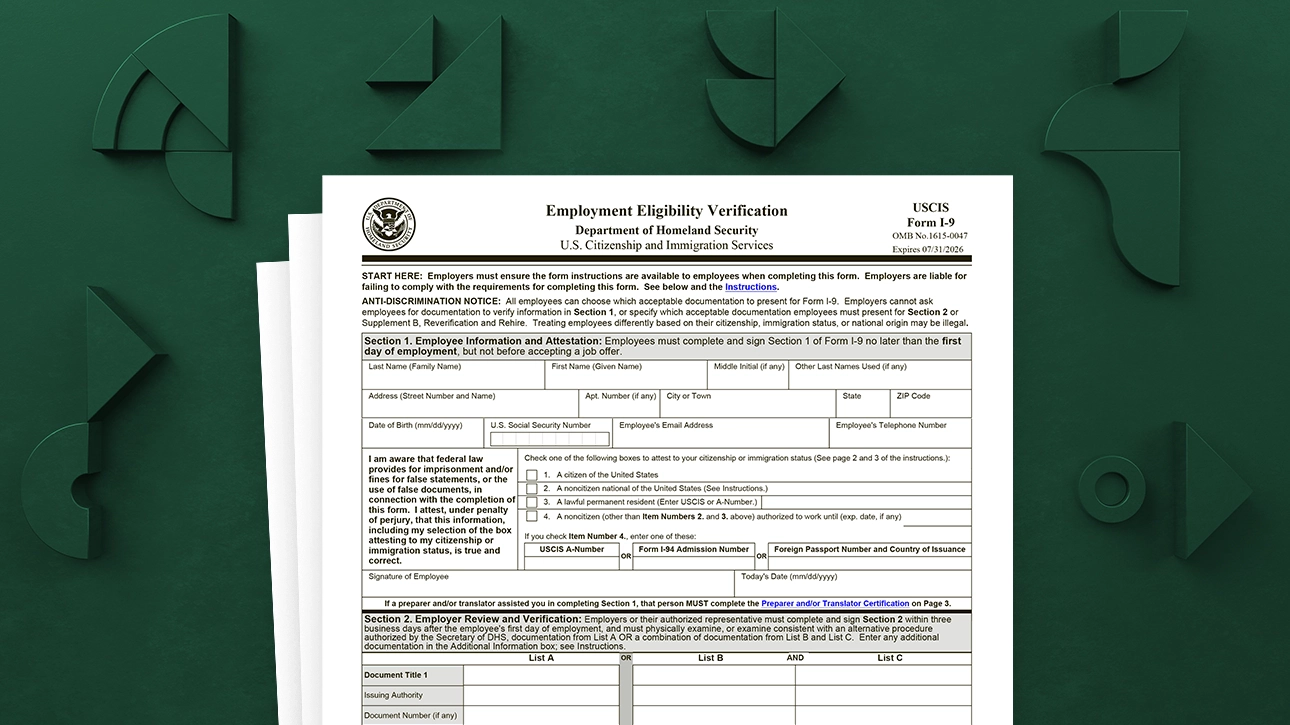
If your new job is remote, your paperwork is often remote too. That can feel oddly personal when it involves identity and work authorization documents. Form I-9 is one of the first items on that list, and yes, it can be completed even if you never step into an office.
Here is what Form I-9 is, how remote document review usually works, who can look at your documents, and what to do if the process starts to feel confusing or unsafe.

What Form I-9 is and why you are completing it
Form I-9, Employment Eligibility Verification, is used by U.S. employers to verify two things:
- Identity
- Authorization to work in the United States
You complete Section 1. Your employer completes Section 2 after reviewing your documents (or, in some cases, after using an approved alternative procedure). Some employees later complete Section 3 if their work authorization needs reverification or if they are rehired.
Two timing basics to keep in your pocket:
- Section 1 is completed by you no later than your first day of work for pay.
- Section 2 is completed by the employer within three business days of your first day of work for pay.
How remote I-9 document review can work
For remote hires, employers generally handle document review in one of these ways. Your HR or onboarding team should tell you which approach they use.
Option 1: An authorized representative reviews your documents in person
This is the classic remote setup. Your employer designates an authorized representative to examine your original documents in person on the employer’s behalf.
The authorized representative may be someone like:
- a notary public
- a local HR professional
- a lawyer or accountant
- another trusted person the employer designates
Important nuance: the authorized representative is acting for the employer, but the employer is still responsible for compliance. That is why employers usually provide specific instructions and ask the reviewer to complete the employer portion carefully and completely.
Option 2: The employer uses a DHS-approved alternative procedure (if eligible)
In some cases, an employer that participates in E-Verify, remains in good standing, and follows DHS rules may use a DHS-approved alternative procedure for remote document examination. This option is not available in every situation, and employers must follow the procedure steps and recordkeeping requirements exactly.
When employers use this route, the steps often include reviewing copies of documents and conducting a live video interaction, plus additional retention steps for the copies and related records.
If your employer says they are using an alternative procedure, ask them to confirm the exact steps and how you should send your documents securely.

Who may review your documents for a remote I-9
For many remote hires, the document reviewer is an authorized representative chosen by the employer. The reviewer is not there to judge which documents you should use. Their job is to examine your documents and complete the employer section based on what they see.
Before you meet with a reviewer, you can ask your employer:
- Who is the authorized representative, and what is their contact information?
- Do I bring original documents to the review?
- Should the reviewer complete Section 2 on paper, in an HR system, or using the USCIS fillable Form I-9 (PDF)?
- If copies are required, how should I send them and to whom?
If your employer asks you to locate your own authorized representative, request a written instruction email that explains exactly what the reviewer must do. That prevents the common remote-hire problem: a well-meaning reviewer guesses, and the form gets completed incorrectly.
What you will be asked to present
You do not need to memorize every acceptable document to complete your remote I-9, and you should not feel pressured to provide a specific document if you have other valid options.
In general, the I-9 rules let employees choose which acceptable documents to present from the Lists of Acceptable Documents. Employers cannot require more documents than necessary, or demand a particular document, as long as what you present is acceptable. The documents must be unexpired and must reasonably appear to be genuine and relate to you.
For remote hires, what changes is usually the logistics, not the underlying idea. Expect one of these scenarios:
- In-person review of originals: you bring your original document(s) to the authorized representative to examine.
- Remote alternative procedure: you provide copies according to your employer’s instructions and complete any required live video interaction.
If you are unsure what to bring, ask your HR contact to point you to the official Form I-9 and its instructions, and to confirm whether your review is in-person with an authorized representative or handled under an alternative remote procedure.
Protect your personal information
Remote onboarding sometimes moves fast, and that is when people make risky choices with sensitive documents.
Do not send photos of your identity or work authorization documents to an unverified personal email address. That includes a Gmail, Yahoo, iCloud, or similar address you cannot confirm belongs to your employer’s HR team or their official vendor.
Also, avoid mailing original documents unless your employer explicitly instructs you to do so and provides a secure, trackable method. In most normal I-9 flows, your originals should stay with you.
Instead, do this:
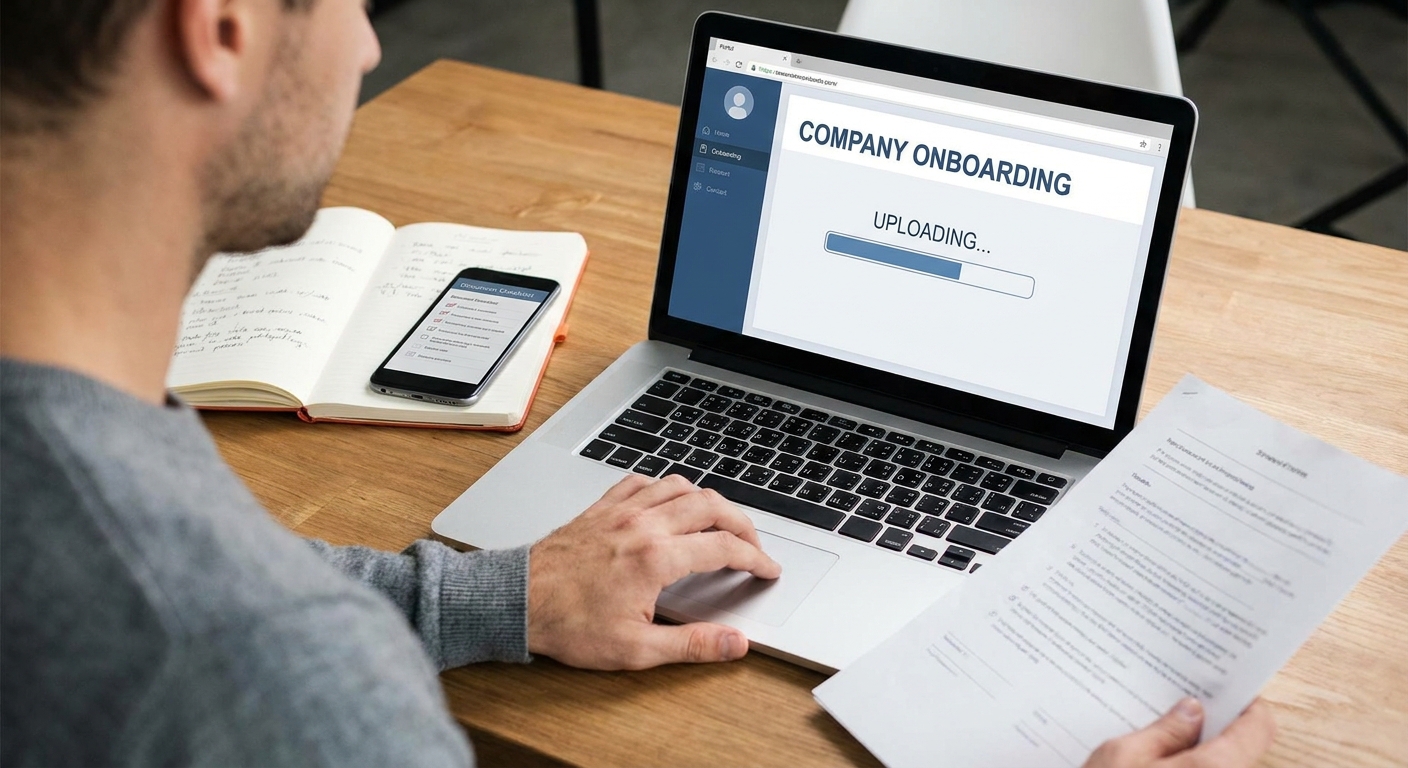
- Use the employer’s official onboarding portal, encrypted upload link, or HR system when offered.
- If email is the only option presented, confirm the domain matches the employer (for example, [email protected]) and verify via a second channel if anything seems off.
- Ask where your documents will be stored and who will have access.
- Do not post documents in chat tools unless your employer explicitly instructs you to use a secured, company-managed channel.
If the reviewer seems wrong, slow down
Remote I-9 reviews often involve a third party who does not do I-9s every day. Mistakes tend to cluster in a few predictable places. If something feels incorrect, you are allowed to pause and ask questions.
Common red flags
- The reviewer insists you must show a particular document (for example, “You have to show a passport”) even though you have other acceptable options.
- The reviewer asks you to email document photos to their personal address.
- The reviewer wants to keep your original documents.
- The reviewer appears unsure how to complete Section 2 or is guessing at fields.
What to say in the moment
Keep it simple and polite:
- “My employer asked me to follow the Form I-9 instructions. Can we double-check the acceptable documents list and the Section 2 fields?”
- “I am not comfortable sending document photos to a personal email. Can we use the employer’s portal or confirm an official address with HR?”
- “Could you let my HR contact know what you need from them to complete Section 2 correctly?”
When to involve HR
Loop in your employer’s HR or onboarding contact right away if:
- you are being pressured to provide a specific document
- the reviewer refuses to follow the employer’s written instructions
- anyone asks you to send sensitive documents through a channel you cannot verify
- the reviewer suggests altering dates or information to “make it work”
Remote I-9 checklist
- Complete Section 1 by your first day of work for pay.
- Confirm which remote review method your employer uses.
- Schedule your document review quickly so the employer can meet the three-business-day deadline for Section 2.
- Bring unexpired original documents if your review is in-person with an authorized representative.
- Use secure, verified channels for any document copies, if copies are requested.
- Ask HR before sending anything to a personal email address.
- Keep your own notes: who reviewed your documents, when, and how the review was completed.
FAQ
Do I need to notarize my documents for Form I-9?
Not always. Some employers use a notary public as an authorized representative to review documents and complete Section 2, but the I-9 itself is not simply a notarization task. Your employer’s instructions matter here, so follow their designated process.
Can I just send a photo of my ID to HR and skip the in-person review?
Sometimes employers may use a DHS-approved alternative remote procedure, but you should not assume a photo alone is enough. Ask your employer which method they use and how you should submit documents securely.
What if I cannot find an authorized representative near me?
Tell your HR or onboarding contact immediately. Employers can often help you identify options in your area or adjust the plan. The key is not to wait until the three-business-day window is closing.
What if I already started work and we missed the three-day deadline?
Let HR know as soon as possible and complete the process right away. Employers generally document what happened and correct the record. Waiting longer usually makes cleanup harder.