
A crisp fold and a fresh perspective.
In an interview presentation, that “fresh perspective” has to land fast. Some interviews ask you to do more than answer questions. You might be asked to present a short slide deck, walk through a project, or explain an approach to a prompt. That changes the game. You are not only being evaluated on what you know, but on how you organize it, communicate it, and respond when the room pushes back.
This page focuses on interviews where you present live, often with slides or a structured walkthrough. It does not cover case interviews, panel interviews, or take-home assignments.
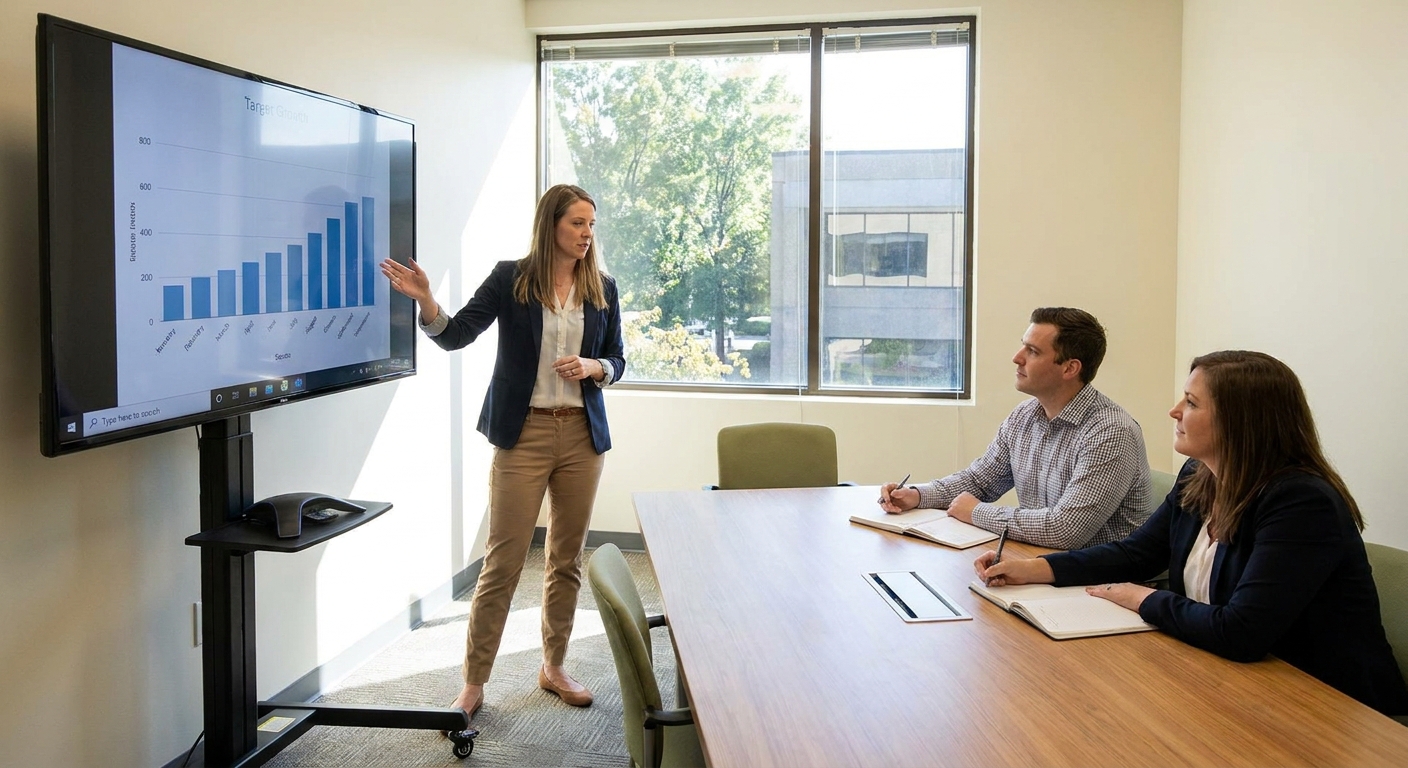
First: confirm the assignment details
If you only do one thing before building slides, do this: make the expectations explicit. Many presentation mishaps come from unclear inputs, not weak speaking skills.
What to clarify (and how to ask)
- Topic and scope: “Is the goal a project walkthrough, a strategy proposal, or an overview of my past work?”
- Time limit: “How many minutes do you want for the presentation itself, and how much for Q&A?”
- Audience: “Who will be in the room and what are their roles?”
- Evaluation criteria: “What does a strong presentation look like to you: clarity, depth, decisions, communication style, or something else?”
- Format: “Do you prefer slides, a whiteboard-style walkthrough, or a discussion with a few visuals?”
- Logistics and tech: in-person or video, screen sharing method, and whether you can bring your own laptop.
If the prompt is intentionally open-ended, that is also a signal. It often means they are testing how you structure ambiguity. You can still confirm time, audience, and logistics without asking for extra hints.
Match your structure to the role
Most teams want the same core thing: clear thinking and good judgment. But the emphasis can shift by function. If you are unsure, use this as a light calibration and then map your slides to the prompt.
- Product: problem definition, tradeoffs, success metrics, stakeholder alignment.
- Engineering: system constraints, technical decisions, risk management, quality and reliability.
- Design: user needs, exploration, rationale, iteration, what you validated.
- Data/analytics: question framing, methodology, assumptions, what changed because of the analysis.
- Sales/CS: customer context, discovery, narrative, objection handling, outcomes and next steps.
How long should your interview presentation be?
Interview presentation slots are often short, and timekeeping tends to be strict. A safe rule is to plan for less time than you are given.
Timing that typically works
- 15-minute slot: aim for 8 to 10 minutes presenting, 5 to 7 minutes Q&A.
- 30-minute slot: aim for 15 to 20 minutes presenting, 10 to 15 minutes Q&A.
- 45 to 60-minute slot: aim for 25 to 35 minutes presenting, the rest for Q&A and discussion.
Why plan to finish early? Because hiring teams rarely stop thinking at minute 12 just because you are still on slide 14. Leaving room for questions shows judgment, confidence, and respect for the process.
Practical test: If you speak at a calm pace and you are “exactly on time” in rehearsal, you will likely run long on the day. Build slack into your plan.
Build a simple structure that interviewers can follow
In interviews, people are not grading you on fancy transitions. They are listening for a clean story, good decisions, and how you think. A tight structure helps them track you, take notes, and ask better questions.
A reliable presentation outline
- 1. Title and promise (30 seconds): what you will cover and the takeaway.
- 2. Context (1 to 2 minutes): the situation, constraints, and what “success” meant.
- 3. Approach (3 to 8 minutes): how you analyzed, prioritized, and decided.
- 4. Results (2 to 5 minutes): outcomes, impact, and what changed because of your work.
- 5. Learnings (1 minute): what you would repeat and what you would improve.
- 6. Close (20 seconds): restate the takeaway and invite questions.
This outline works for many roles because it maps to what interviewers want to know: Can you define the problem, choose a method, communicate tradeoffs, and drive outcomes?
A quick example
Context: “Activation dropped after a pricing change, and support tickets spiked.” Approach: “I segmented users, traced drop-offs in the funnel, and ran two fixes in parallel: clearer onboarding copy and a billing UI change.” Results: “Activation recovered within three weeks and tickets fell by 18%, with the largest improvement in new accounts.”

Slide count and design: keep it clean and readable
For an interview presentation, your slides are support beams, not the building. The goal is to make your thinking easier to understand, not to impress someone with design skills unless the role is specifically design-focused.
How many slides?
As a starting point, aim for about one slide per minute, then cut. Many strong interview presentations are 6 to 10 slides total.
Design rules that protect clarity
- One idea per slide: if you need to say “and also,” consider splitting it.
- Big text wins: if it is hard to read on your laptop, it will be worse on a shared screen.
- Prefer headlines over labels: the slide title should be a conclusion, not a topic. Example: “We reduced onboarding time by 30%” instead of “Results.”
- Use visuals with purpose: a simple timeline, a before-and-after, or a product screenshot can help, but only if it supports the story.
- Limit jargon: assume at least one person in the room is not in your exact function or domain.
Make it accessible
- Use high contrast: dark text on a light background (or the reverse) with clear separation.
- Be colorblind-safe: do not rely on color alone to communicate meaning.
- Avoid tiny charts: simplify, zoom in, or pull out one key number per slide.
If you must show data
Make the point obvious. Highlight the one trend that matters, define acronyms, and state what the audience should notice. In an interview, you are not handing over a report. You are guiding attention.
What to practice (beyond memorizing your lines)
Rehearsal is not about sounding scripted. It is about sounding structured under pressure.
Three practice passes that work
- Pass 1: Structure only. Talk through your deck without caring about perfect wording. Check that the story makes sense.
- Pass 2: Timing and transitions. Practice moving between slides smoothly. Time yourself and cut anything that drifts.
- Pass 3: Q&A rehearsal. Have a friend interrupt you with questions or challenge an assumption. Practice returning to your thread.
A useful self-check: record a rehearsal and listen for long setup, wandering sentences, or apologizing. Replace “Sorry, this is confusing” with “Let me restate the point in one line.”
Plan your tech like a cautious professional
Interview presentations can fail in predictable ways: the wrong adapter, audio that will not share, a file that looks different on another computer, or a video that does not play. You can prevent most of this with a short checklist.
24 hours before
- Confirm the format: will you share your screen, present from a conference room computer, or run the deck locally?
- Save a backup: export your slides to PDF in case fonts or animations break.
- Test your deck on a different device: especially if you use custom fonts or embedded media.
- Know your “no tech” version: be able to explain the core story without any slides.
10 minutes before
- Close extra tabs and notifications.
- Open what you need: deck, notes (if allowed), any demo links, and a timer.
- Check audio and screen share.
- Have a clean desktop.
If you are presenting remotely, consider using a second device to join as an attendee with muted audio. It helps you see what others see.
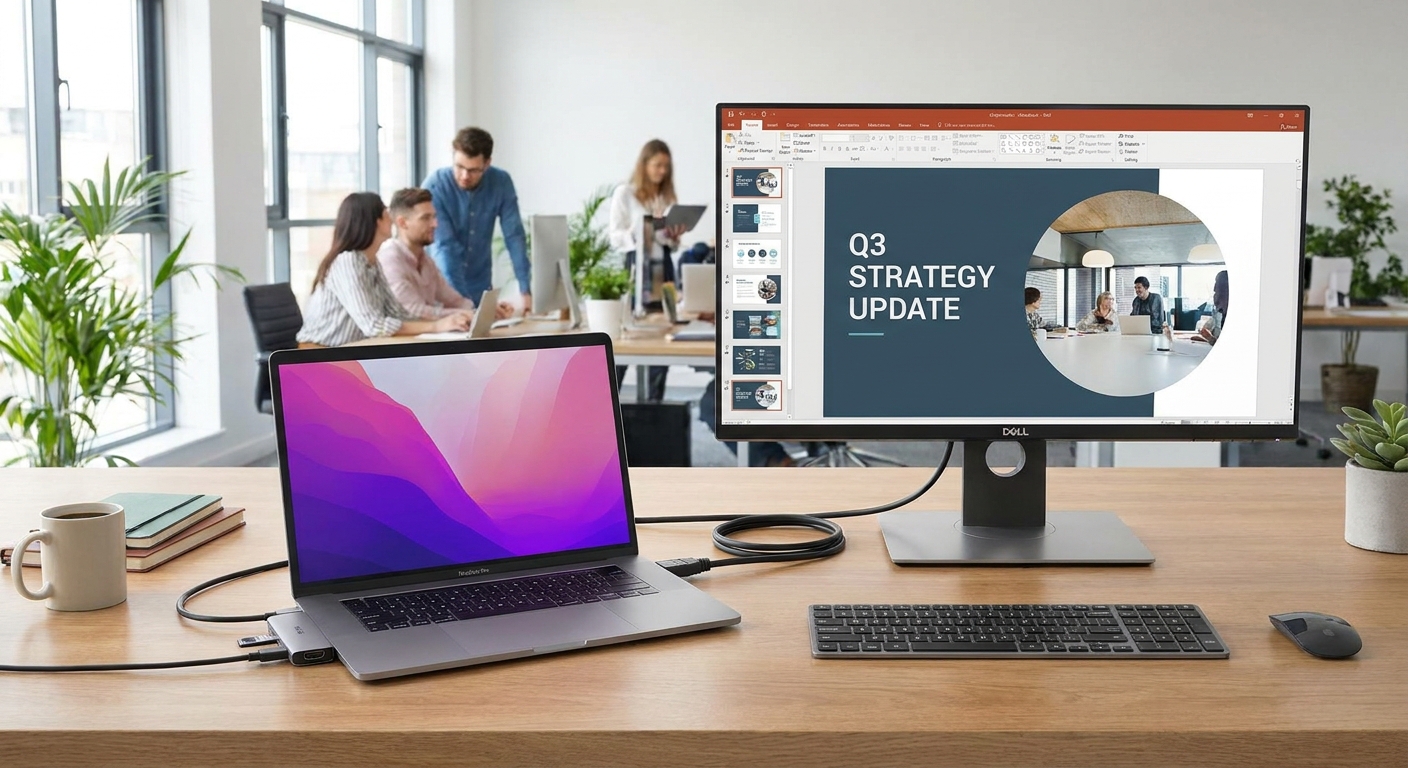
Remote vs in-person: a few adjustments
A strong deck can still fall flat if the setup is working against you. Small changes help your delivery read clearly.
- Camera and lighting: keep the camera at eye level, light your face from the front, and avoid a bright window behind you.
- Audio first: if you can, use a stable microphone or a wired headset to reduce glitches.
- Use your cursor intentionally: point once, pause, then move on. Constant circling is distracting.
- Leave more pauses: video calls add latency and make interruptions more common.
How to deliver it in the room
You are being evaluated on communication as much as content. That does not mean you need a “stage voice.” It means you should be easy to follow.
Delivery cues that signal confidence
- Start with the agenda in one sentence. It helps everyone settle in.
- Speak in headlines, then details. Give the conclusion first, then support it.
- Use signposts. Phrases like “Here is the tradeoff,” “The decision point was,” and “What changed after this” keep the story tight.
- Keep your pace steady. Pause after key points so people can write notes.
- Own your choices. If you made a decision with imperfect info, say what you knew at the time and why it was reasonable.
Should you read notes?
Light notes are fine. Reading paragraphs is not. If you need support, use a short list of prompts per slide, not a script.
Leave time for questions, and treat Q&A as part of the presentation
Q&A is not a separate event. It is where interviewers test your judgment, depth, and flexibility.
How to set up a strong Q&A
- Invite questions clearly: “That is the overview. Where would you like to go deeper?”
- Repeat the question briefly: it buys you a second to think and ensures you answer what was asked.
- Answer in a structure: “My short answer is X. The reason is Y. The tradeoff is Z.”
- Admit unknowns cleanly: “I do not have that number in front of me. Here is how I would find it and what I would expect to see.”
- Offer a choice: “I can go deeper on the analysis, the stakeholder piece, or the implementation. Which is most useful?”
If someone challenges your approach, treat it as collaboration, not combat. A calm response is often more persuasive than a fast one.
Common mistakes to avoid
- Running long: a fast way to lose the room.
- Starting with a long biography: keep intros brief unless asked.
- Too much detail too early: give the frame, then zoom in.
- Overstuffed slides: if you need to shrink the font, you need to edit.
- Unclear ownership: be specific about what you did versus what the team did.
- Defensive tone in Q&A: curiosity reads as confidence.
A quick preparation checklist
Fold this into your prep plan and you will cover the basics.
- Confirmed time limit, audience, and format
- Mapped your deck to the prompt or evaluation criteria
- Built a clear story: context, approach, results, learnings
- Kept slides simple with readable text and accessible contrast
- Rehearsed for time, transitions, and Q&A
- Prepared a backup format (PDF) and tested screen share
- Planned your closing and question invite
FAQ
Do I need to send my slides ahead of time?
Only if the recruiter or hiring manager asks. If they do, send a PDF version unless they specifically request the editable file. If you are unsure, ask what format they prefer.
What if I am asked to present a project but it is confidential?
Say so early and set boundaries. You can still present the problem, your role, constraints, and general outcomes. Replace sensitive details with ranges, anonymized examples, or a similar public scenario, and focus on decisions and tradeoffs.
Should I include animations or videos?
In most interviews, keep it simple. Animations and embedded videos can fail during screen share and they often do not add much. If a video is essential, have a backup plan: a static screenshot and a one-sentence description of what the video would show.
What if they interrupt me with questions?
That is usually a good sign. Answer briefly, then offer a bridge back: “Great question. I will cover the full impact on the next slide, so I will keep going and then we can go deeper.”
How do I handle a presentation when I am nervous?
Nerves are normal. Use structure as your anchor: open with your agenda, move one slide at a time, and pause after key points. A steady pace and clear signposts matter more than sounding perfectly relaxed.